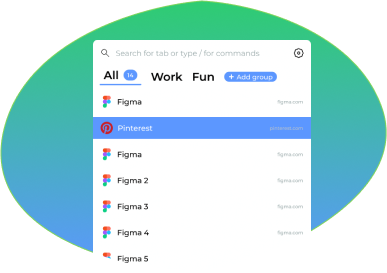
Welcome to TabbedIn!

A simple and super-fast browser extension to help you get the best overview over many tabs.
After installation, type Ctrl + B to open TabbedIn
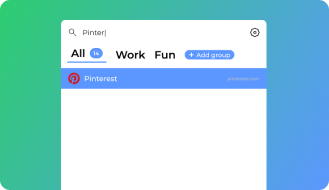
Search tabs
Quickly find the tab you need by searching through all open tabs. Save time and avoid tab overload by instantly locating the right page.
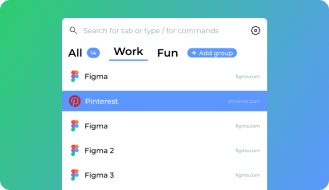
Group tabs
Organize your workflow by grouping related tabs together. Easily switch between different tasks and keep your browser neat and structured.
Commands for current tab
Perform quick actions on the current tab, such as pinning, closing, muting, or moving it to a specific group, all with a single command.
⌨️
Master TabbedIn with Keyboard Shortcuts
Boost your productivity with 70+ powerful keyboard shortcuts. Navigate, manage groups, and control tabs without touching your mouse.
Ctrl+BOpen
JKNavigate
PPin
0-9Groups
?Help